Documentation
Everything you need to run a channel on autopilot.
Concepts, step-by-step guides, and the reference behind the platform. Written for the private beta — short, current, and honest about what's live.
Getting started
What is longflow
longflow runs a faceless animation channel end to end. Connect a channel, define a series once, and it writes, animates, narrates, and renders a long-form film with a consistent cast — then auto-cuts cinematic 9:16 shorts and publishes everywhere, on your cadence.
You stay as hands-off or hands-on as you like: ship fully autonomously, or gate every episode behind an approval queue. The same project opens in a visual editor when you want to direct a scene by hand.
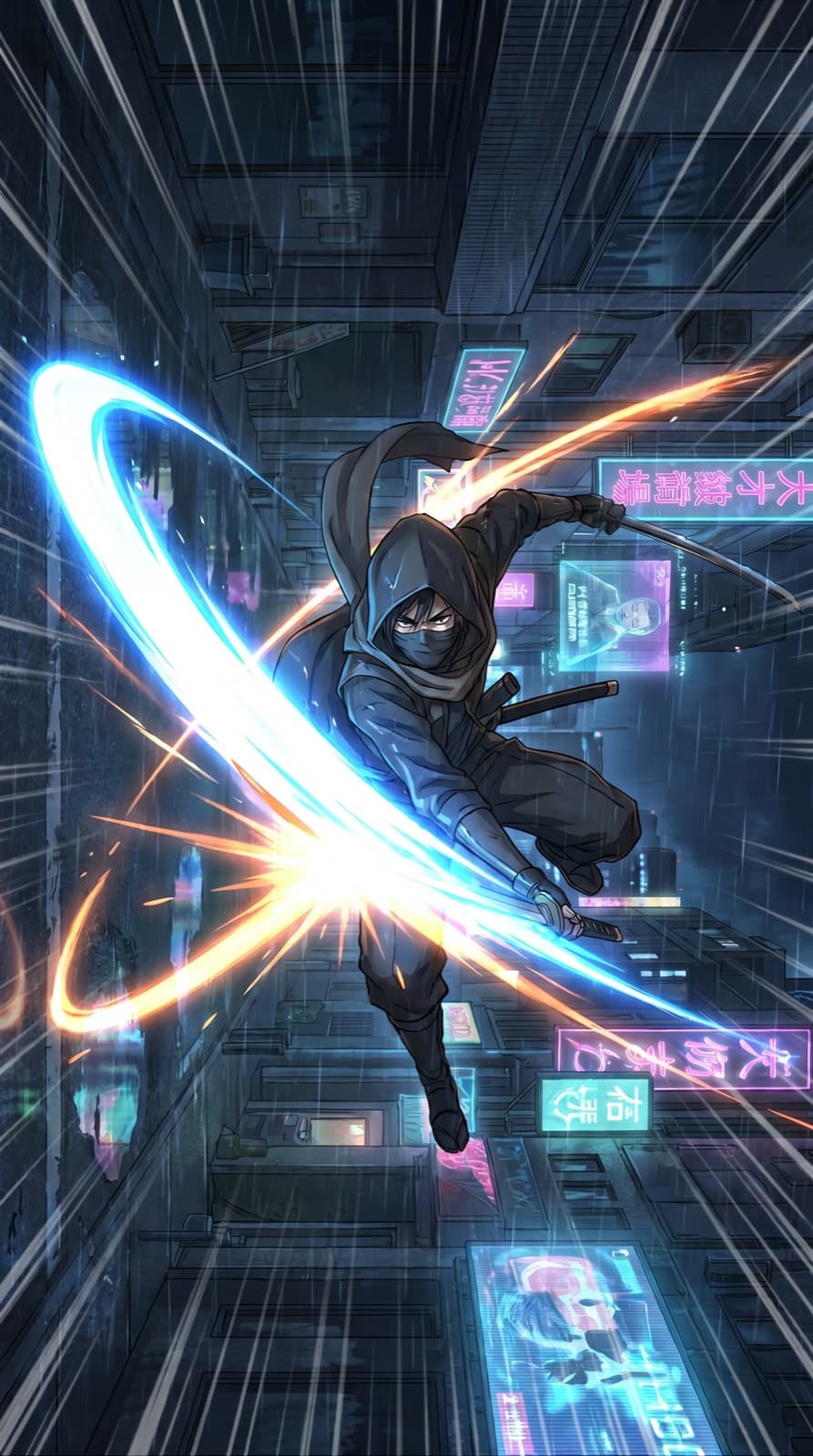
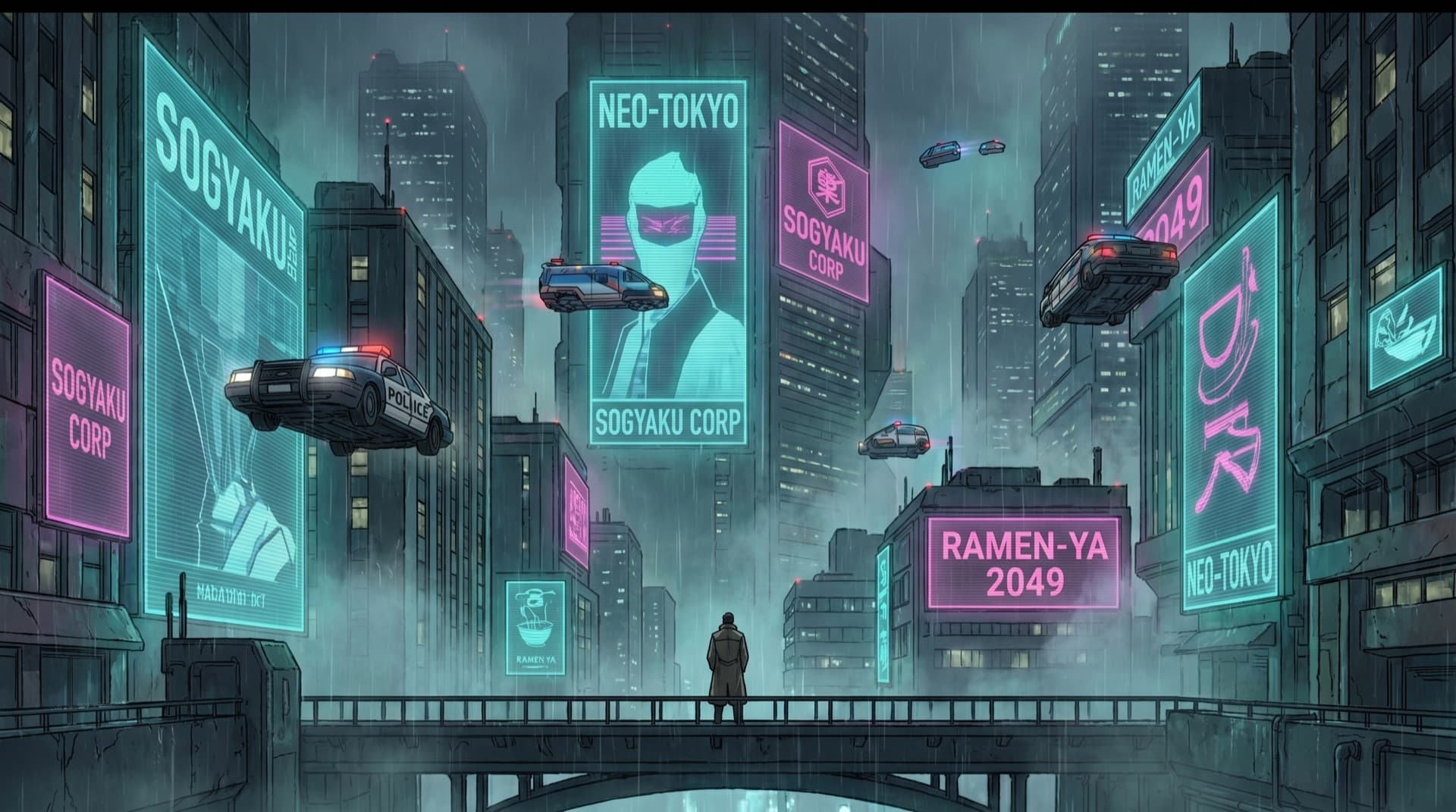
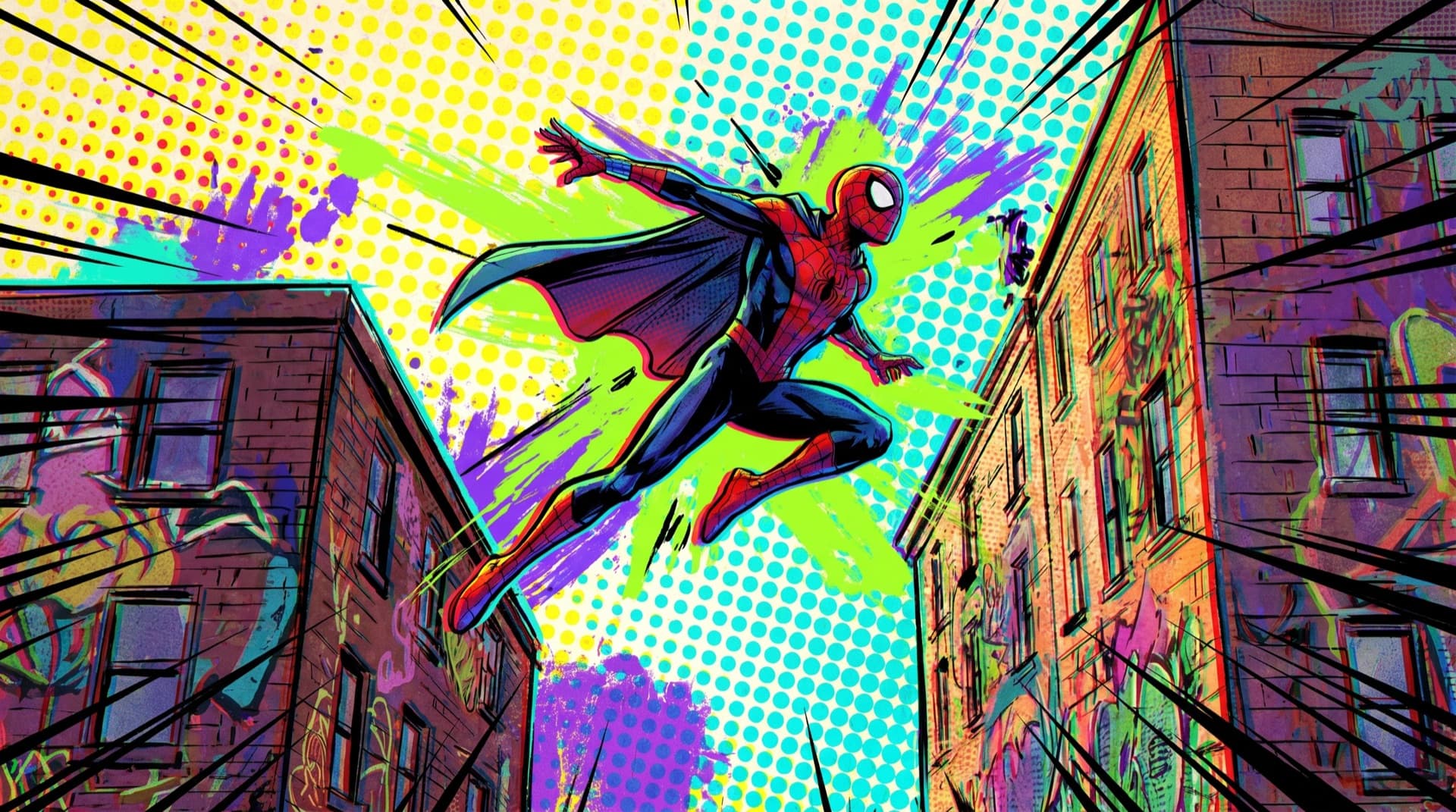
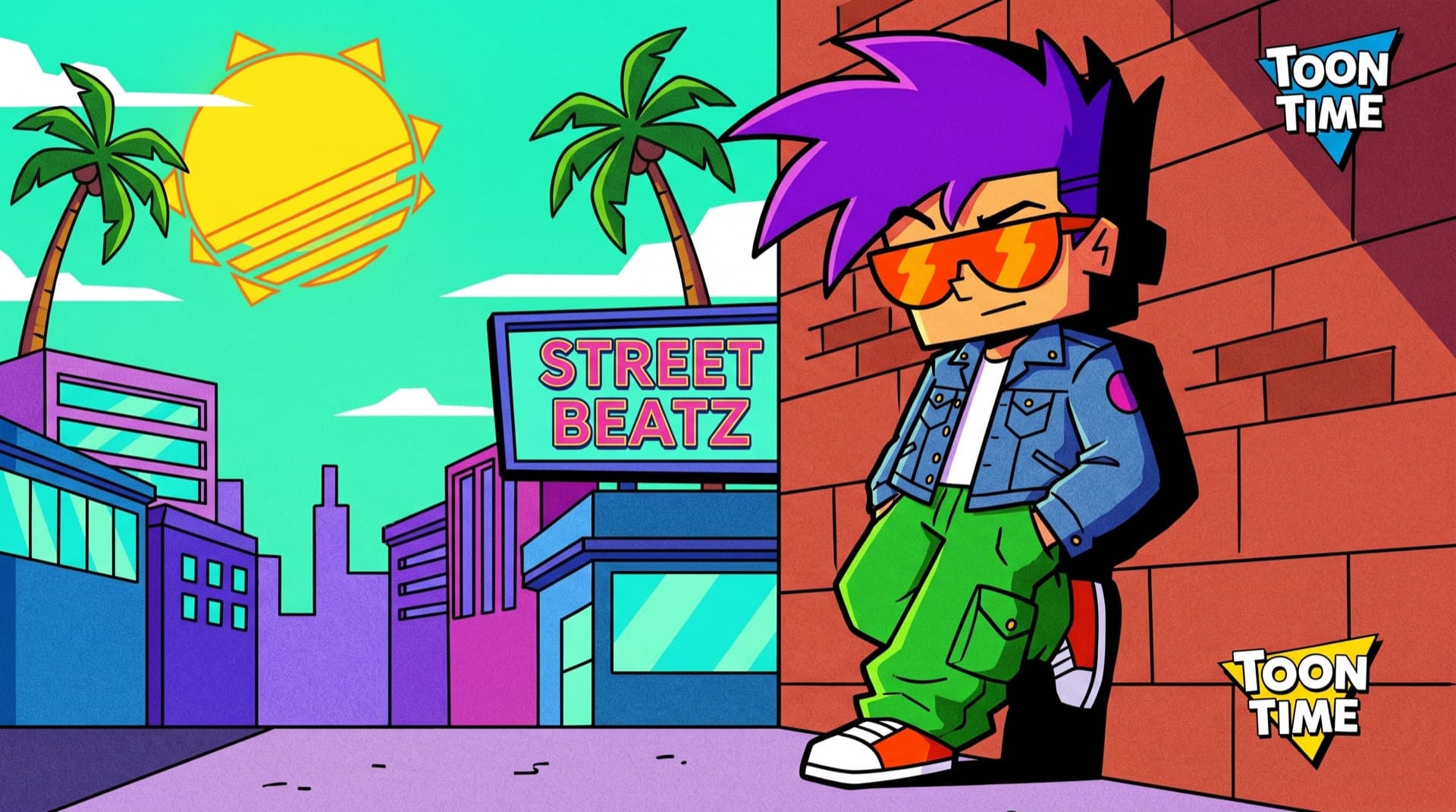
- Any style
- Anime, 3D, cinematic CGI, claymation, pixel, comic, painterly, retro cartoon, motion graphics — you pick the look per series.
- Long-form first
- Each run produces a 30 min–2 hr film; shorts are derived from it, so they share the same story and look.
- Frame-accurate
- The on-screen image matches what the narration says at that moment. This is the platform's core promise.
- Multi-platform
- One run distributes to YouTube, YouTube Shorts, Instagram Reels, and TikTok.
Connect your channels
Connecting a channel grants longflow scoped permission to publish on your behalf. You authorize each destination through its own official sign-in — longflow never sees or stores your password, and you can revoke access at any time from the destination or from Settings → Connections.
Open Settings → Connections
Choose a destination — YouTube, TikTok, or Instagram — and start its sign-in flow.
Authorize on the platform
You're sent to the provider's own consent screen. Approve the publish and upload scopes longflow requests; nothing else is accessed.
Pick the target account
Select which channel or profile new episodes post to. A workspace can hold several destinations and route different series to different ones.
Revoke whenever
Disconnecting removes the stored token immediately and stops all future publishing to that destination.
Access tokens are stored encrypted and scoped to a single workspace. See Security & access for the full detail.
Configure a series
A series is the recurring show longflow produces. You define it once — four decisions — and every future episode inherits them, so the channel stays coherent without re-briefing.
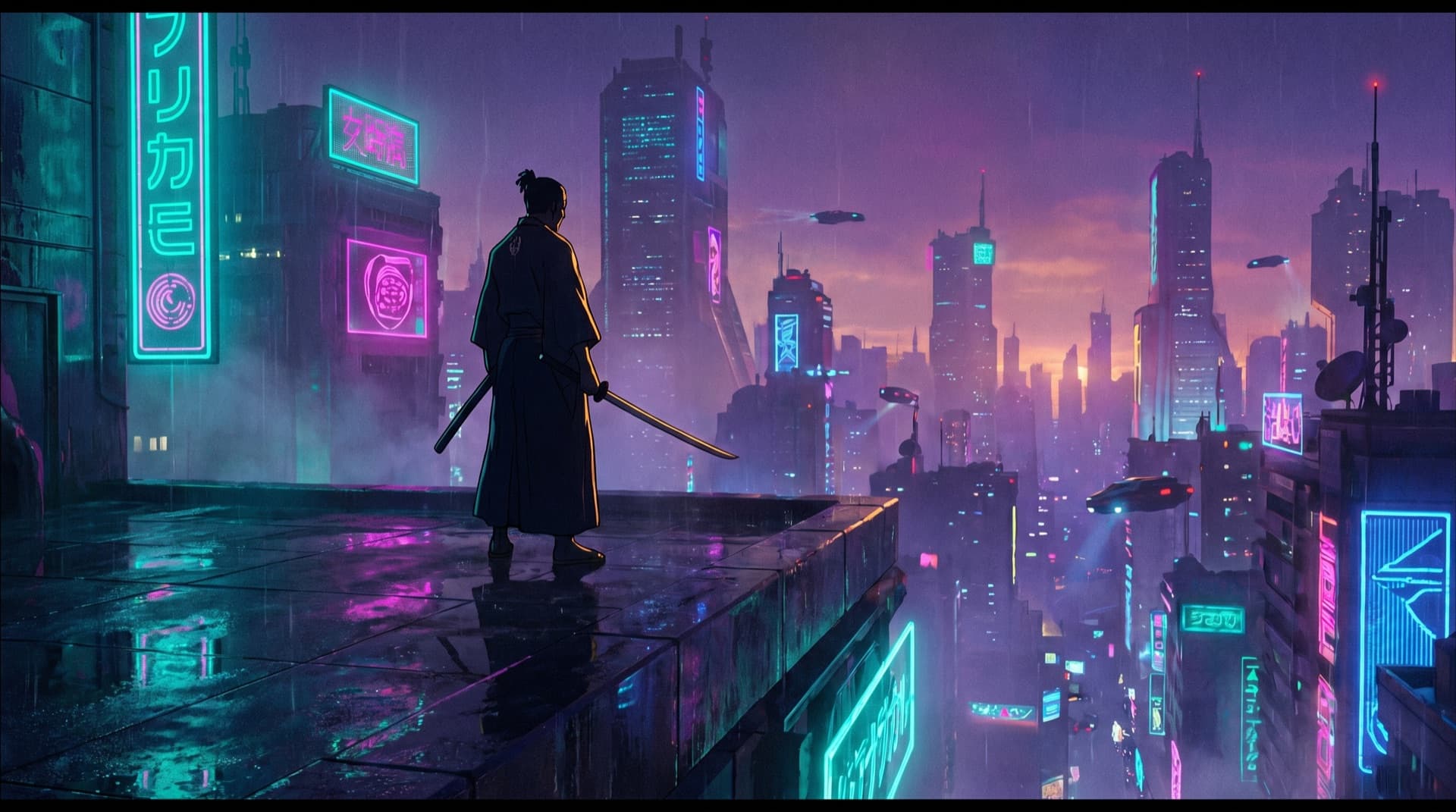



One series, one look — locked across every episode and every short.
- Style
- The visual language — pick from the full range of animation styles, or describe your own. Locked so episodes don't drift.
- Cast
- Named characters with reference art. Re-used every episode so the same faces return scene to scene.
- Voice
- The narrator (and any character voices). Consistent timbre and pacing across the whole series.
- Cadence
- How often a new episode is generated — e.g. daily or weekly — and the target runtime.
Your first run
A run is one episode, start to finish. Trigger it manually for your first one to watch the pipeline work, then let cadence take over.
Give it a premise
A topic, a logline, or a full script. longflow writes or expands it into a beat-by-beat outline.
Generate the film
Scenes are storyboarded, animated in your locked style, narrated, and assembled against a single timeline.
Auto-cut the shorts
The best moments are found, reframed to 9:16, and captioned — a wave of vertical clips from the one film.
Review or auto-publish
With an approval queue on, you sign off first; otherwise the episode and its shorts publish on schedule.
Core concepts
Series & cadence
Cadence is what makes longflow an autopilot rather than a generator. Once a series is live, episodes are queued and produced on a schedule with no further input — the channel keeps shipping while you do other things.
- Each scheduled run is an independent episode that reuses the series' locked style, cast, and voice.
- Runtime targets hold across episodes, so a daily show stays a daily-length show.
- Pause, resume, or change cadence at any time — in-flight runs finish; future ones follow the new schedule.
- Every run is recorded with its inputs and outputs, so the channel's history is fully traceable.
Frame-accurate sync
The single most important thing longflow gets right: the picture on screen matches the words being spoken, frame for frame.

Script, visuals, and narration are generated against one shared timeline rather than stitched together afterward. Because every line of narration has a fixed position on that timeline, the scene meant to illustrate it is placed on the exact same beat — so there’s no drift between what’s said and what’s shown.
- One timeline owns the script, the frames, and the voice-over together.
- Visuals are anchored to narration beats, not crossfaded into rough alignment.
- When a short is cut, it inherits that alignment — captions and cuts stay on the beat.
Characters & art direction
A channel only feels like a show if the cast is recognizable. longflow keeps characters consistent by carrying reference art for each one into every scene of every episode — the same face, the same palette, the same world.
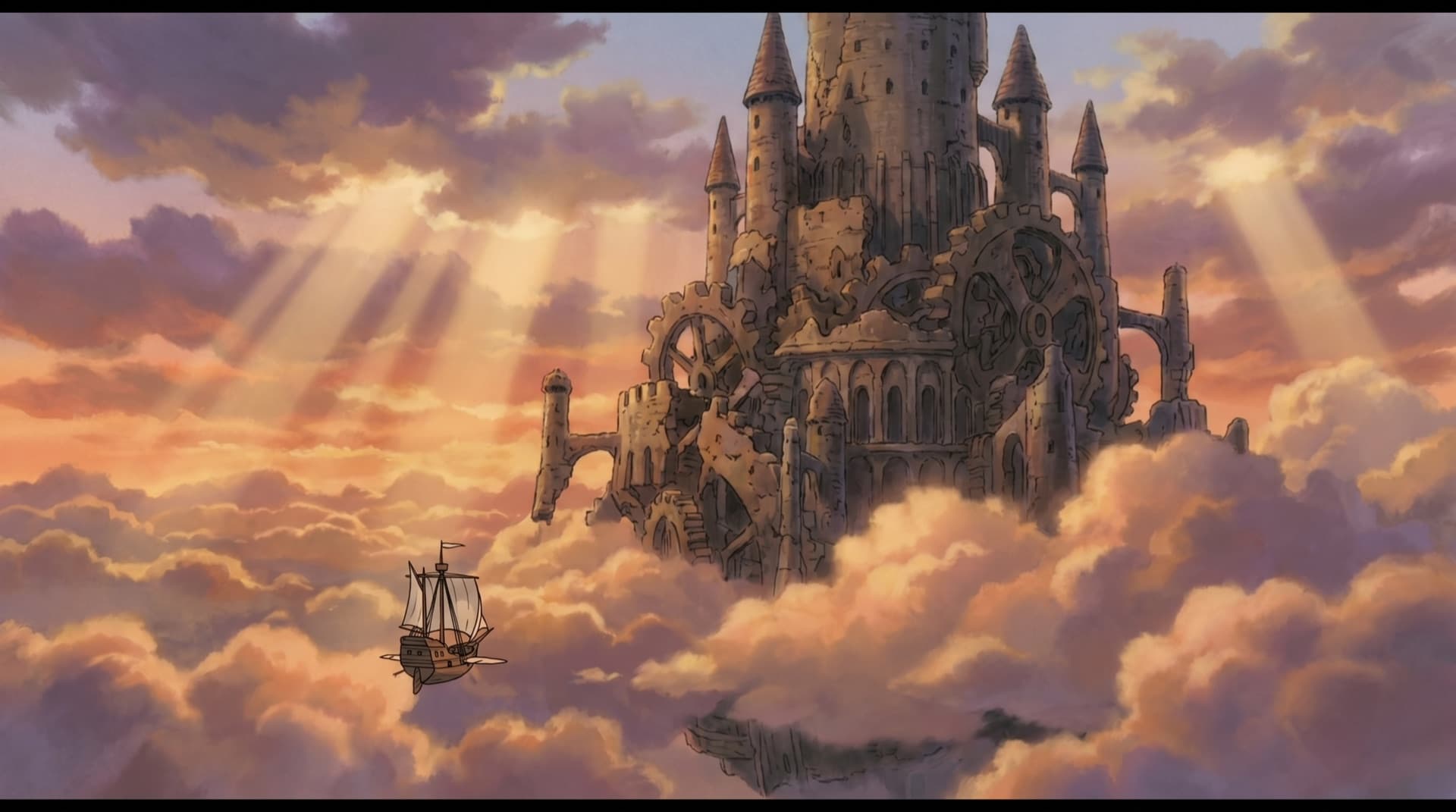

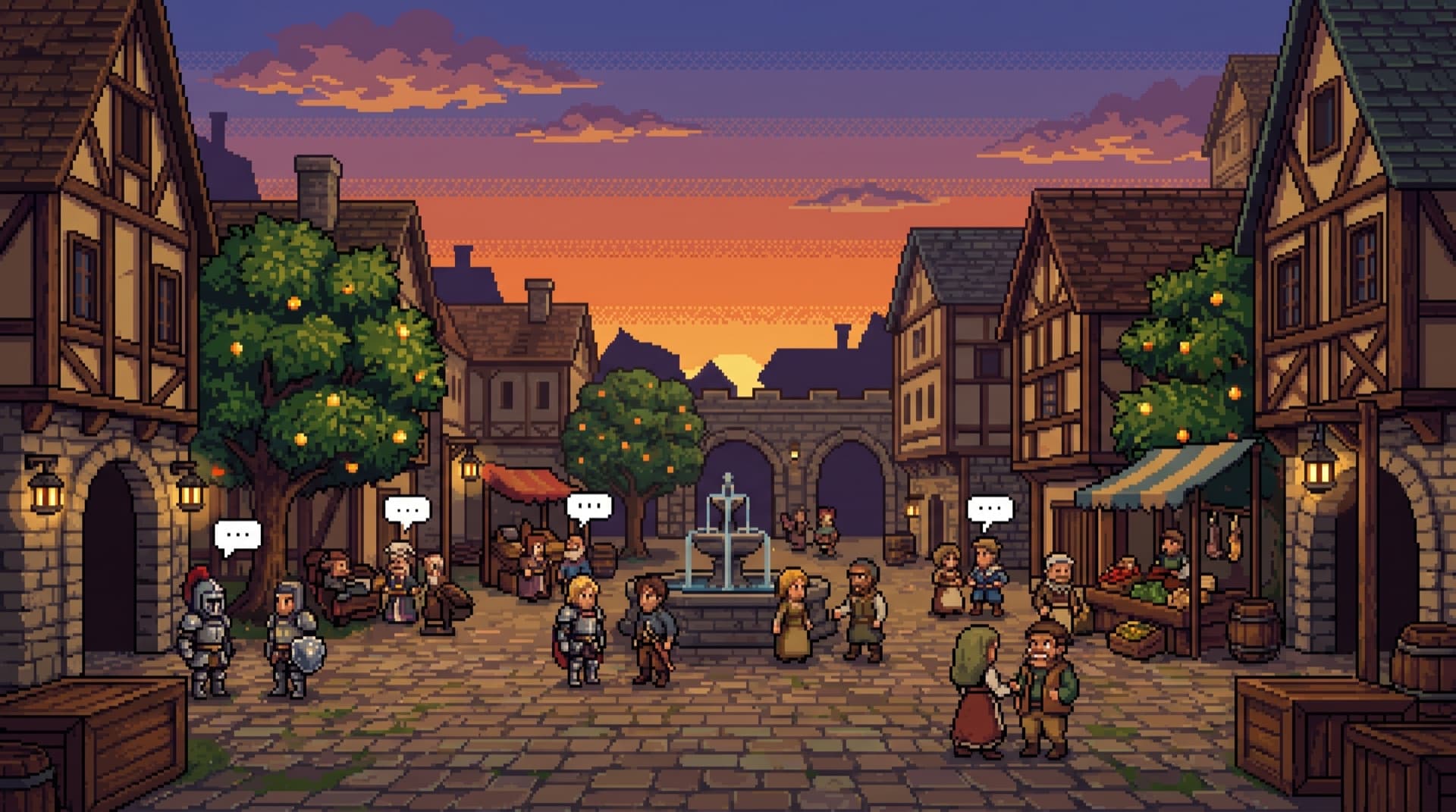
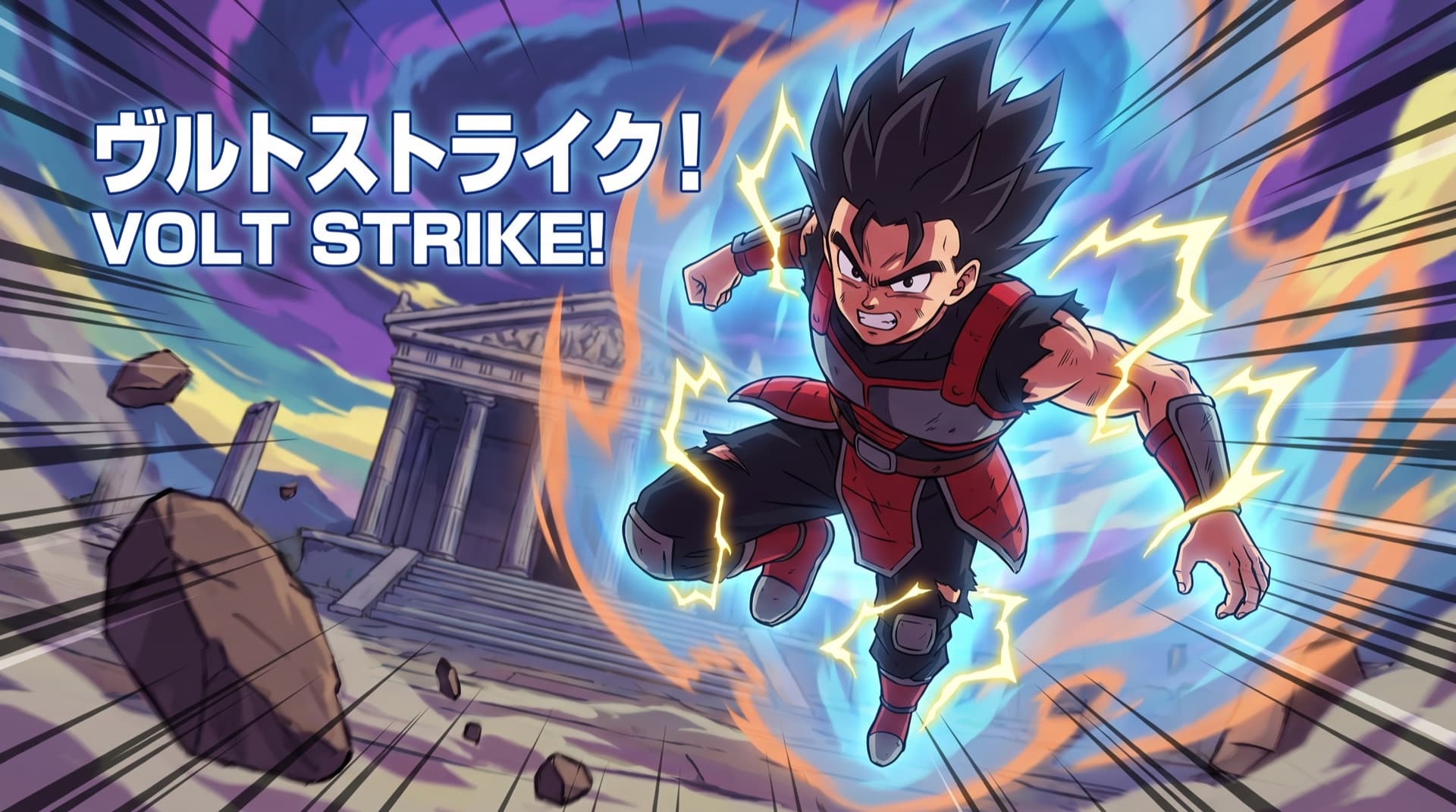
A consistent cast and world, scene to scene — the look you lock is the look you get.
- Define a character once with reference art; it returns across scenes and future episodes.
- Art direction — palette, lighting, line weight — is part of the locked style, not re-rolled per scene.
- Direct a specific look by hand in the canvas editor when an episode needs it.
Shorts engine
Every long-form film is automatically mined for its best moments and cut into a wave of cinematic vertical shorts — reframed to 9:16, captioned, and hook-led — without re-rendering anything.
 Shorts
The moment that hooks
 Reels
ReelsReframed to 9:16
TikTokCaptioned on the beat
- Best-moment detection runs across the full episode — longflow decides how many shorts and which moments.
- Each clip is reframed for vertical, with the subject kept in frame.
- Captions and hooks are generated from the same synced timeline, so they land on the beat.
Editor & workflow
The canvas editor
When you want a human in the loop, every project opens in a visual canvas. It’s the same pipeline the autopilot runs, exposed as nodes you can inspect and direct.
- Script
- Paste or write the script; longflow breaks it into acts and scenes.
- Acts
- Each act is a node you can re-order, edit, or regenerate independently.
- Generate
- Produce keyframes for an act in your locked style, then refine.
- Animate
- Bring frames to motion and lay narration onto the shared timeline.
- Export
- Assemble the full film and hand it to the shorts and publishing steps.
Nothing in the editor is a dead end — anything you direct by hand flows back into the same run the autopilot would have produced.
Review & approval
The approval queue is the safety valve between “set and forget” and “nothing ships without me.” Turn it on per series and every finished episode waits for a human before anything goes live.
A run finishes and pauses
The episode and its shorts are fully rendered, then held in the queue instead of publishing.
You review
Watch the film and the proposed shorts, read the generated title, description, and chapters.
Approve, edit, or reject
Approve to publish on schedule, open the canvas to adjust, or reject to discard the run.
Leave the queue off and the same episodes publish automatically — the choice is per series, so a trusted show can run free while a new one stays gated.
Publishing & distribution
One approved run publishes everywhere it belongs. The long-form goes to YouTube; the derived shorts fan out to YouTube Shorts, Instagram Reels, and TikTok — each in the right aspect and format, from a single action.
One film in. Long-form plus a wave of platform-native shorts out.
- Each connected destination receives the format it expects — no manual re-uploading.
- Publishing respects the series schedule and the approval queue when it's enabled.
- Disconnect a destination to stop distributing there without touching the rest of the series.
SEO packaging
Reach isn’t only the render. For each episode longflow writes the metadata that helps it get found — and a thumbnail to earn the click — so a published film arrives fully packaged.
- Title
- A search-aware title written for the episode's actual content.
- Description
- A full description with the context and keywords the episode supports.
- Tags
- Relevant tags derived from the script and series.
- Chapters
- Timestamped chapters generated from the synced timeline.
- Thumbnail
- A thumbnail rendered in the series' style to match the film.
Teams & administration
Workspaces & roles
Workspaces keep brands separate. Each workspace has its own channels, series, members, and billing — so an agency or a studio can run many channels side by side without anything leaking across.
- Isolation
- Connections, series, runs, and outputs belong to one workspace and are scoped in the database, not just the UI.
- Members
- Invite teammates into a workspace; they only see what that workspace contains.
- Roles
- Scoped roles separate who can configure and publish from who can only review — pair them with the approval queue.
- Switching
- Move between workspaces from the switcher; the active workspace frames everything you see.
Usage & billing
Generating long-form animation has a real cost, so billing is usage-aware and per workspace. You can see what a run consumes and keep spend predictable.
- Each run's cost reflects the work it did — runtime, generation, and distribution.
- Billing is scoped to the workspace, so brands are accounted for separately.
- Plans and limits are managed in Settings; see the pricing page for current tiers.
Security & access
The channel tokens longflow holds are sensitive, so access is minimal, encrypted, and revocable. You stay in control of what longflow can do on your behalf and can cut it off instantly.
- Connection tokens are stored encrypted and scoped to a single workspace.
- longflow requests only the publish and upload permissions it needs — never your password.
- Revoke any connection from longflow or from the platform to stop all future publishing immediately.
- Row-level security scopes every read and write to your account and workspace.
Ready to put a channel on autopilot?
longflow is in private beta. Start a series, or talk to us about your channel.
Start shipping
Your channel could be running by tomorrow.
Connect a channel and let longflow run it.